The advanced graph – a new way to work with your findings
We’ve spent quite some time figuring out how we could make it easier for you to work with your Detectify findings. Working closely with some …

We’ve spent quite some time figuring out how we could make it easier for you to work with your Detectify findings. Working closely with some …

Wouldn’t it be great if you could receive an email notification from Detectify every time a new finding is discovered? We have good news for …

Findings are a key component of our service, which is why we decided the finding details view deserved a facelift. The improved finding details view …

If you follow our blog, you might have already seen an announcement introducing our updated core service with a new crawler. More reliable, more thorough, more deterministic, and with better coverage – sounds great, but what does it all mean? Find out how our engineers, who aim to build the world’s best and most thorough security scanner, have brought to life a new crawler that gives you even better results and helps you stay safe.
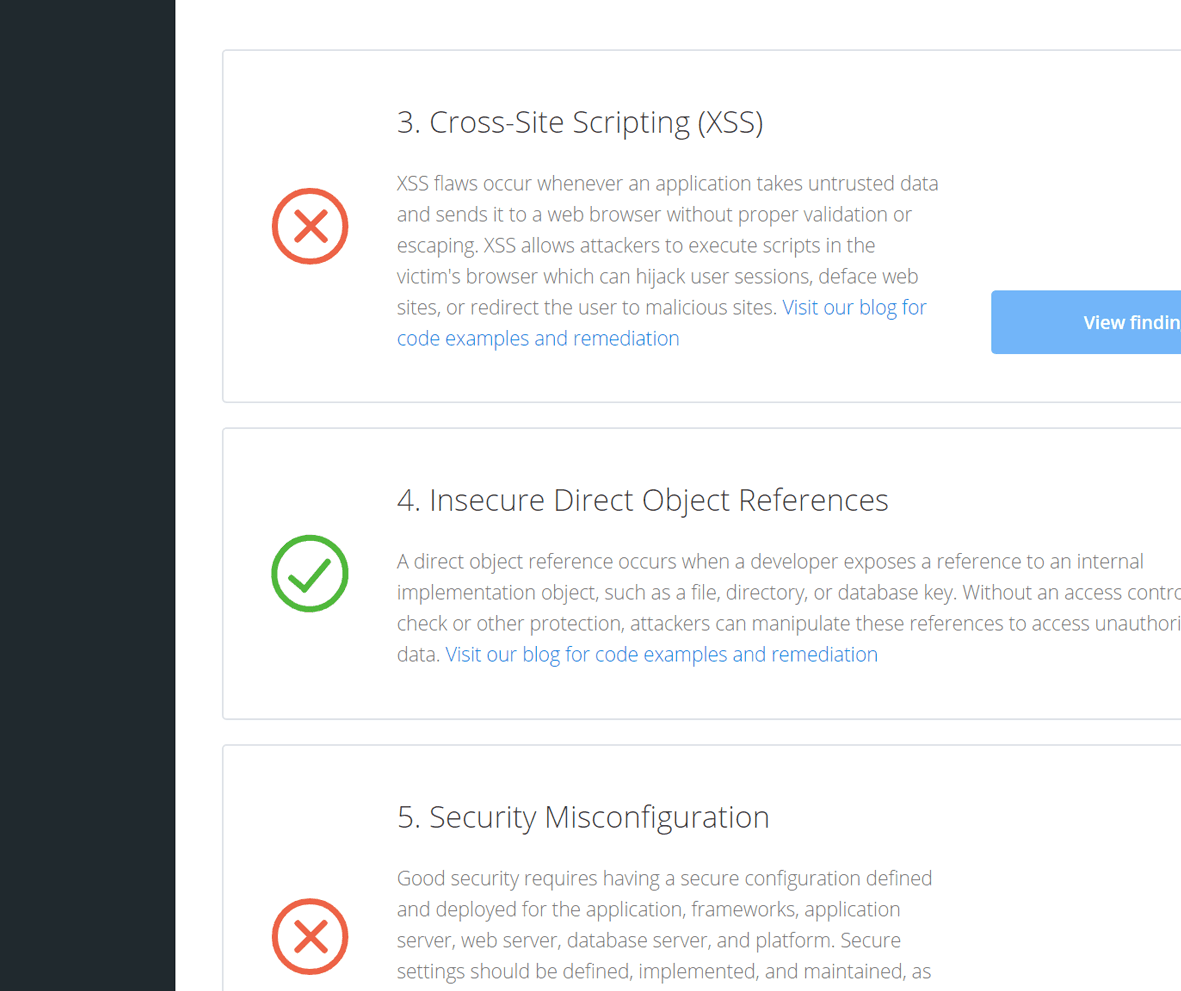
Ever wished there was an easy way to see if your site is vulnerable to any of the vulnerability categories on the OWASP Top 10 list? The latest addition to the Detectify tool allows you to do just that! Our new OWASP view provides a quick and easy way to check whether your site passes or fails OWASP Top 10 tests.

This week’s release brings a completely overhauled dashboard and billing, giving you a clear overview of your scan profiles’ security status and your team’s billing details.

Security never stands still, which is why we update our service on a regular basis to help you keep up with the latest vulnerabilities. Here are a few of the modules included in this week’s release.

New feature: Accept risks for future reports. Now you can select vulnerabilities to mark as accepted risks, if you don’t want to be notified about them every time you scan.